Colouring pages for colouring on screen
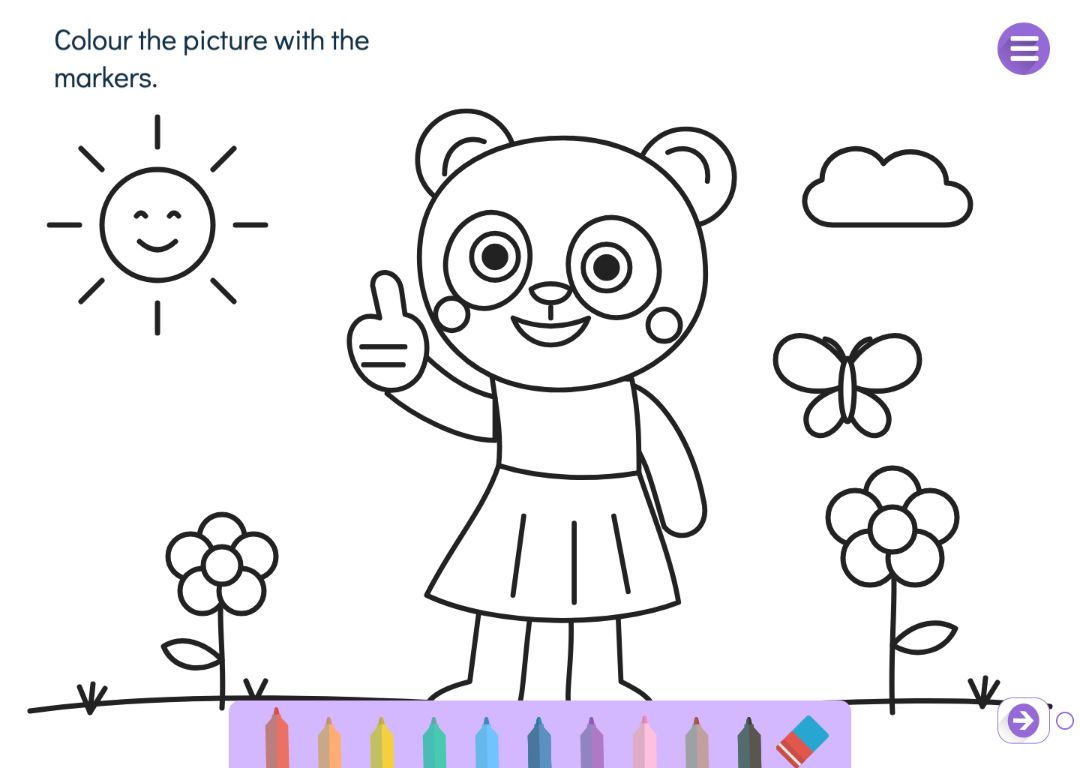
A colouring page is not printed: the child colours it on a tablet, Chromebook or interactive whiteboard. You upload your own picture, and it is shown whole on a white page. The child colours with a finger, a stylus or a mouse, and the eraser fixes mistakes.
The tools depend on age. The youngest get big markers in ten colours; older children get a drawing studio with a marker the outlines show through. When you want the child to draw a picture of their own from scratch, use the drawing tool on a free page.
Try the exercise
This exercise was made with Puro Editor. Try it yourself – this is exactly what your pupils see.
Different tools for younger and older children
You choose the age group in the page type menu, and you can switch it in the form.
- Young children
- Big markers in ten colours and an eraser, as in Puro’s familiar drawing tool. There is no line width to choose, so even the youngest can start colouring straight away.
- Older children
- A drawing studio with a see-through marker, colours, line widths and an eraser. The marker colour is partly transparent, so the outlines show through and overlapping strokes darken like a real marker.
Your own picture to colour
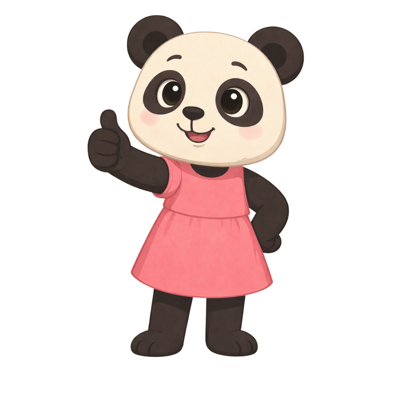
You upload your own PNG or JPG picture to colour. An outline picture with clear lines and large areas works best. The picture is not cropped: it is fitted whole onto a white page, so nothing is lost at the edges.
You can replace or remove the picture at any time. Next to the form you can see the page as the child will see it.
Instructions, and the coloured picture on later pages
You can write an instruction at the top of the page — “Colour three apples red.”, for example — and record it. With an instruction, colouring becomes a task linked to what is being taught.
The child’s coloured picture can be shown on later pages of the story. The child can then talk about their picture on the next page, for instance, or use it to illustrate a story of their own. If you want the child to fill in a ready-made sheet instead, turn it into one of your interactive worksheets.
How to create this exercise
- Choose Colouring Page as the page type and the age group: young children or older children.
- Upload the picture to colour. An outline picture works best.
- Write the instruction — “Colour the picture.”, for example — and record it if you like.
- If you like, choose to show the coloured picture on later pages of the story.
Tip: Give the colouring a purpose. An instruction such as “Colour all the triangles blue” or “Colour the animal that lives in the forest” links colouring to what is being learned, and the finished picture shows at a glance whether it has been understood.
Frequently asked questions
- Is Puro Editor free?
- Yes. Puro Editor is completely free for teachers, including making and sharing colouring pages.
- Do pupils need an account?
- No. You publish the story and share the link, and pupils open it in the browser without logging in.
- Do colouring pages work on tablets and interactive whiteboards?
- Yes. They run in the browser with nothing to install, on tablets (iPad and Android), Chromebooks, computers and interactive whiteboards. Children colour with a finger, a stylus or a mouse.
- Can I set it as homework?
- Yes. Share the link on your learning platform, class page or by email, and pupils colour the picture at home in their browser.
- Where does the picture come from?
- You upload it yourself as a PNG or JPG file. It might be your own drawing, photographed or scanned, for example. The picture is fitted whole onto a white page and is not cropped.
- What is the difference between the two age groups?
- Young children colour with big markers in ten colours. Older children get a drawing studio where the marker is see-through, the line width can be chosen and the outlines show through the colour. Both have an eraser.
- Can the coloured picture be used later in the story?
- Yes. When you choose in the form to show the drawing on later pages, the child’s coloured picture can be added to the pages that follow.
Subjects: Music and art
Want to make your own colouring page?
Sign up